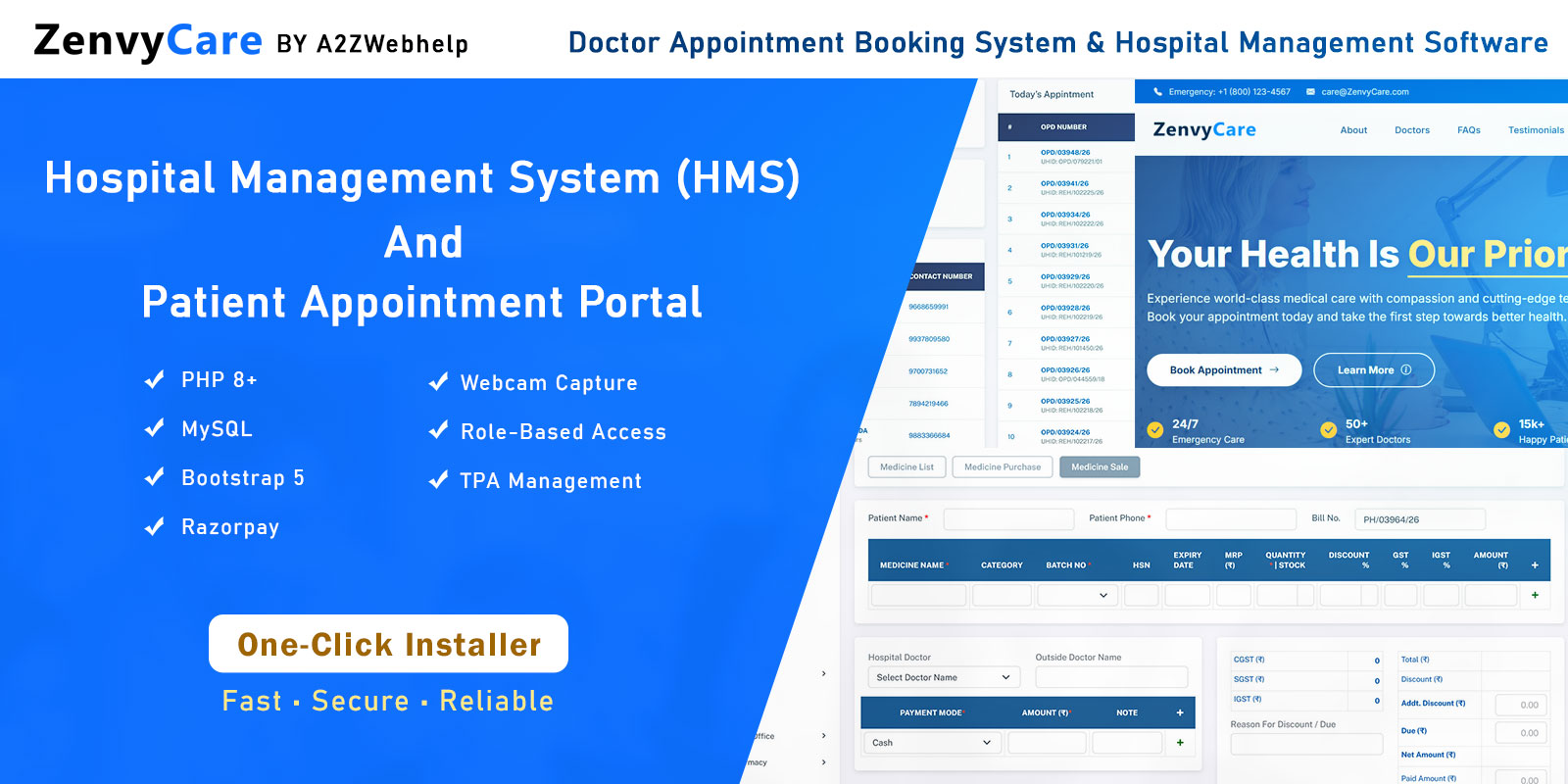
Managing doctor appointments and hospital operations from a single platform is no longer a luxury - it is what patients and healthcare providers expect in 2026. ZenvyCare delivers exactly that: a production-ready, dual-module PHP software that handles everything from online appointment booking to hospital back-office management.
Whether you are running a small clinic, a polyclinic, or a multi-specialty hospital, ZenvyCare gives you a fully branded, self-hosted solution built on PHP 8+ and MySQL - no subscriptions, no third-party lock-in, complete ownership of your data.
Demo: https://zenvycare.a2zwebhelp.com/
Admin: https://zenvycare.a2zwebhelp.com/admin
User Name: admin
Password: manager
What is ZenvyCare?
ZenvyCare is a complete healthcare software package comprising two tightly integrated modules:
- Patient Appointment Portal - a public-facing web application where patients self-register, browse departments, select a doctor, pick a schedule slot, and pay the consultation fee online via Razorpay.
- Hospital Management System (HMS) - a powerful back-office dashboard for hospital staff to manage every operational aspect: patients, appointments, doctors, charges, schedules, TPA (insurance), users, and financial reports.
The entire codebase is written in clean, well-structured PHP 8+ with a MySQL database, and the front end uses Bootstrap 5 for a fully responsive interface on desktop, tablet, and mobile. There is no dependency on any PHP framework, making it lightweight and easy to deploy on any shared or VPS hosting plan.
Patient Appointment Booking Portal
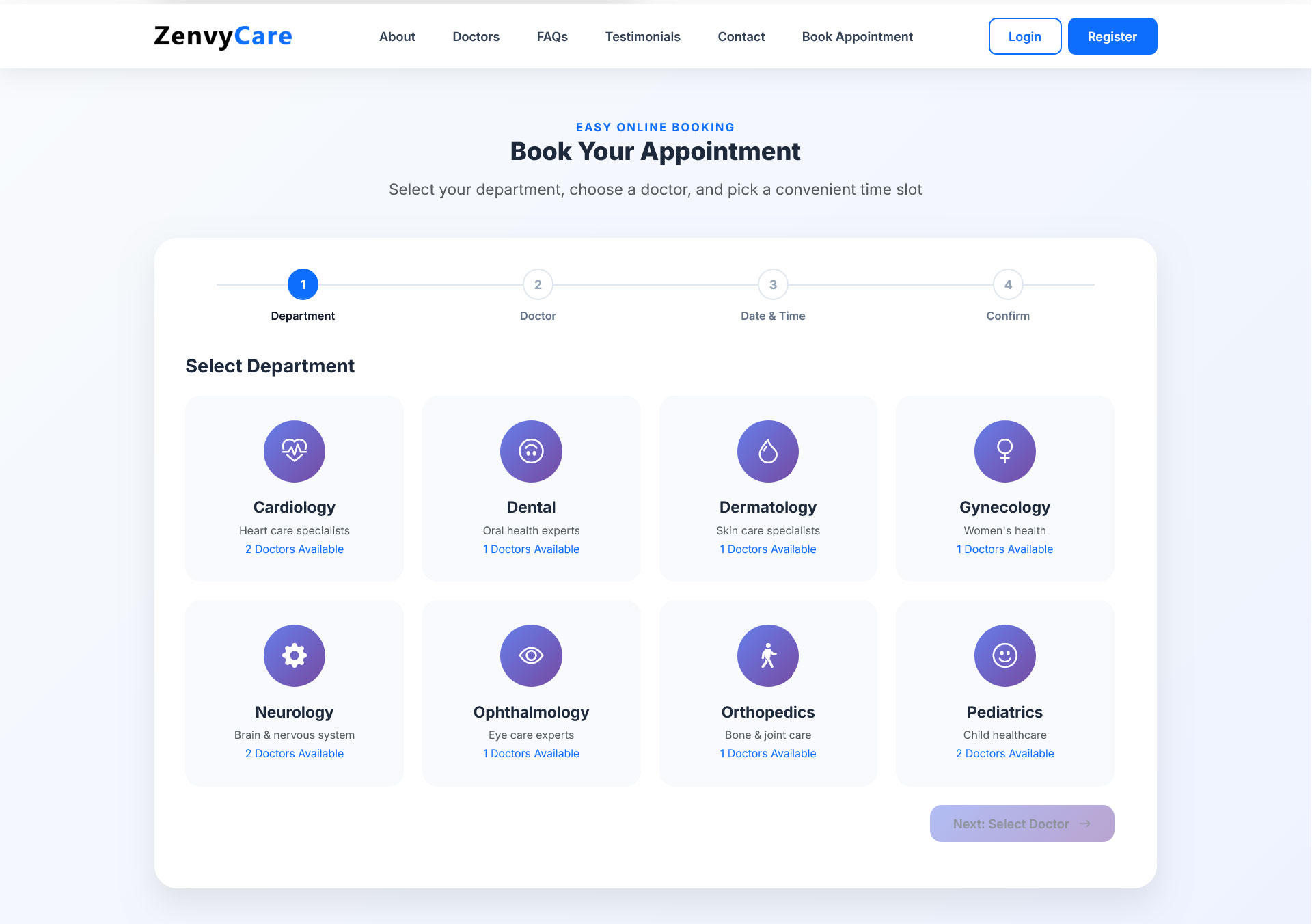
The patient portal is designed for zero friction. A first-time patient can register, find the right doctor, and confirm a paid appointment in under three minutes. Here is how the booking flow works:
Register / Login
New patients create an account with name, email, and phone. Returning patients log in with their credentials.
Select Department
Browse all active hospital departments (Cardiology, Orthopaedics, Neurology, etc.) managed from the HMS master section.
Choose a Doctor
View available doctors within the selected department, including specialisation and consultation fee.
Pick a Schedule Slot
Select from the doctor's available dates and times, configured by the hospital admin in the Doctor Schedule module.
Confirm Appointment
Review the appointment summary - department, doctor, date, time, and consultation fee - before paying.
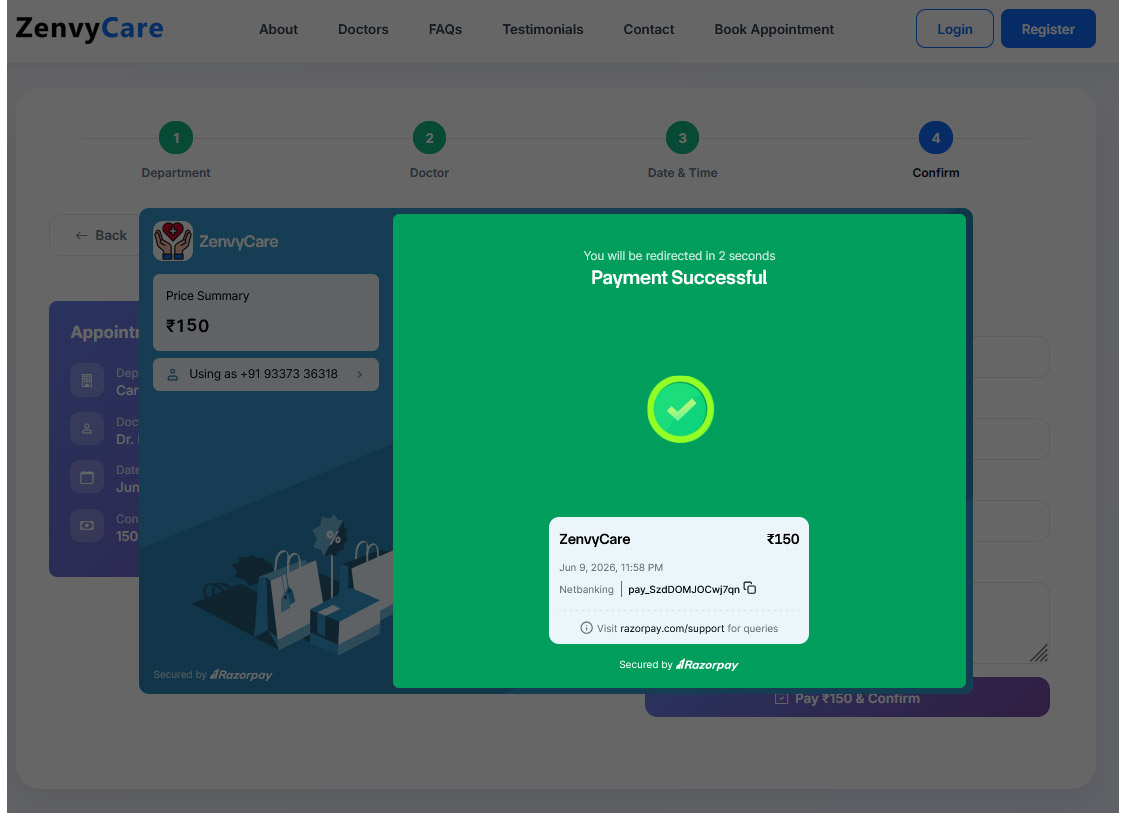
Pay with Razorpay
Complete secure payment using UPI, credit/debit card, net banking, or wallet. Transaction is recorded automatically in the HMS.
Hospital Management System (HMS)
The HMS is the operational brain of ZenvyCare. It is a role-controlled admin panel that gives your hospital staff everything they need to run the facility day to day.
Patient Management
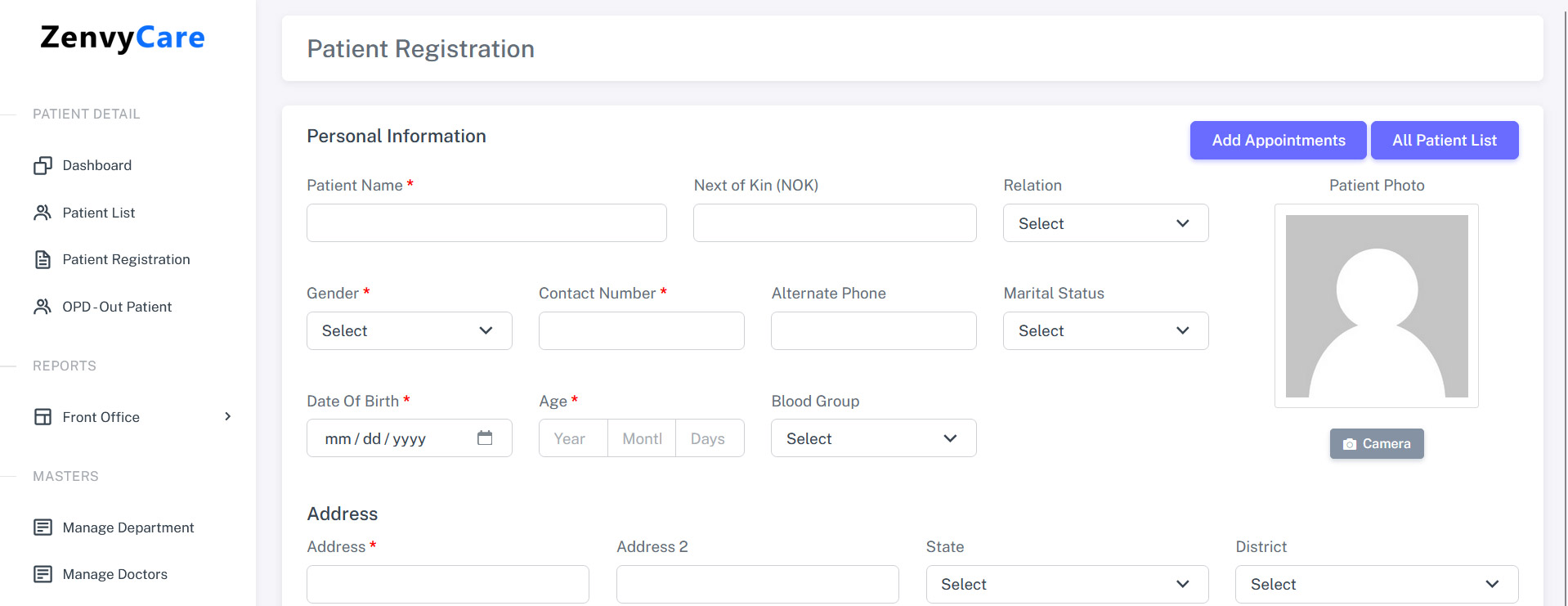
Every patient record is centralised and easily accessible. Staff can manage patient data with the following tools:
One standout feature is webcam-based patient photo capture. Instead of uploading a photo file separately, staff can click a button and the system uses the browser's WebRTC API to capture and save the patient's photo directly to their profile - no external app required. This works in any modern browser over HTTPS.
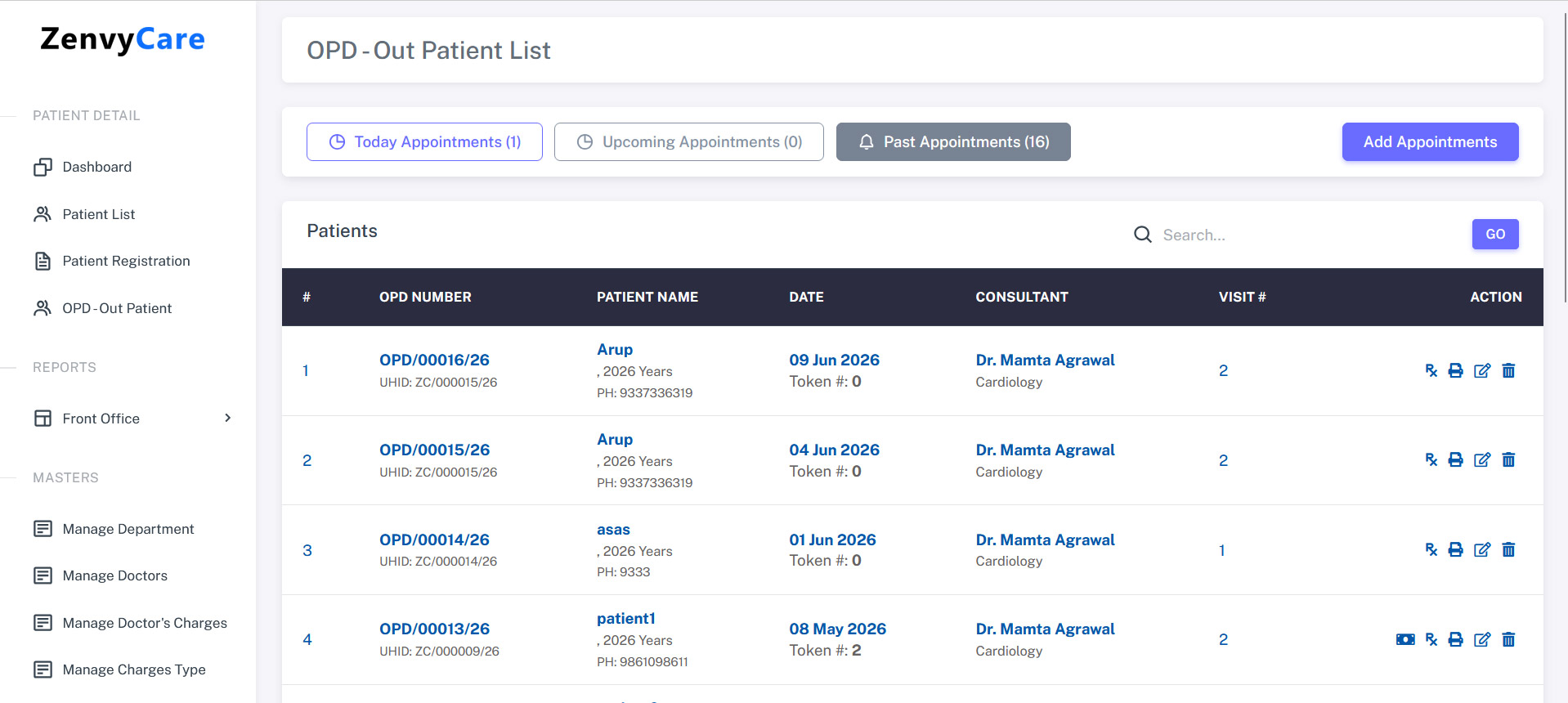
Appointment Management
The HMS gives staff complete control over appointments, whether booked online by patients or added manually at the front desk:
Add Appointment
Manually book an appointment for a walk-in patient directly from the admin panel.
Today's Appointments
A real-time view of all appointments scheduled for the current day with status and doctor details.
Upcoming Appointments
See all future bookings, filterable by doctor or department.
Past Appointments
A full archived history of completed appointments for audit and billing purposes.
Edit Appointment
Reschedule, update status (confirmed / cancelled / completed), or modify any appointment detail.
Transaction Reports
The transaction report module provides a complete financial overview of all Razorpay payments and manually recorded charges. Key features include:
- Filter by date range, doctor, or department
- View payment status: paid, pending, failed
- Revenue summary with daily and monthly breakdown
- Export report to PDF or CSV
Master Modules - Full Control Over Operations
The Master section is where the hospital admin sets up and maintains all operational data. It drives everything that appears in the patient portal and the appointment system.
| Module | What you can do |
|---|---|
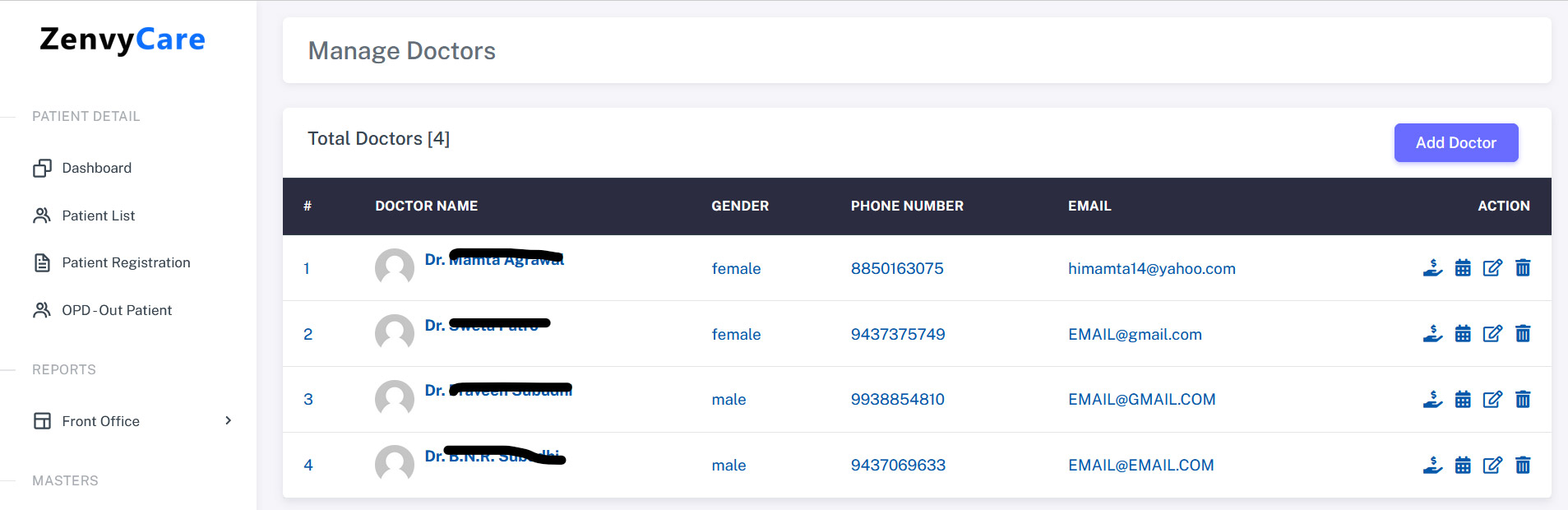
| Doctor Management | Add doctors with specialisation, photo, and department assignment. Edit or deactivate doctors at any time. |
| Doctor Charges | Configure per-doctor consultation fees. Set different charges for OPD, follow-up, or emergency visits. |
| Doctor Schedule | Define available days, time slots, and maximum appointments per slot. Block dates for holidays or leaves. |
| TPA Management | Add Third-Party Administrator (insurance) companies and link them to patients for cashless claim handling. |
| User Management | Create and manage staff login accounts. Set active or inactive status and reset passwords. |
| Assign Module to User | Granular permission control - assign View / Add / Edit / Delete rights per module per user. Fully database-driven. |
Razorpay Payment Integration
ZenvyCare uses Razorpay Standard Checkout for secure, seamless payment collection. The integration supports all major Indian payment methods out of the box.
UPI Payments
Google Pay, PhonePe, Paytm UPI, and all BHIM UPI-compatible apps.
Credit / Debit Cards
All major Visa, Mastercard, Maestro, and RuPay cards.
Net Banking
All major Indian banks supported via Razorpay's net banking gateway.
Wallets
Paytm, Amazon Pay, Freecharge, and other popular digital wallets.
Configuration is straightforward - open config/payment.php, enter your Razorpay Key ID and Key Secret, and the system handles the rest, including server-side payment signature verification and automatic status updates.
Role-Based Access Control
ZenvyCare does not use fixed admin/staff roles. Instead, it implements a database-driven, per-user module permission system. Each staff account can be granted or restricted at a granular level - View, Add, Edit, Delete - for every module individually.
This means a receptionist can be given access to add and view appointments but not view financial reports. A billing executive can access transaction reports but not edit patient records. The superadmin account bypasses all restrictions and has unrestricted access.
Technology Stack
There is no framework dependency - no Laravel, no CodeIgniter. The codebase is plain PHP, which means it deploys on any shared hosting plan with PHP 8 support and requires no Composer or CLI access.
System Requirements
| Component | Minimum | Recommended |
|---|---|---|
| PHP | 8.0 | 8.2+ |
| MySQL / MariaDB | 5.7 / 10.3 | 8.0 / 10.6 |
| Web Server | Apache 2.4 / Nginx | Apache with mod_rewrite |
| PHP Extensions | PDO, pdo_mysql, mbstring, openssl, curl, gd, fileinfo | |
| SSL Certificate | Required in production (Razorpay + Webcam) | |
| Razorpay Account | Required for payment processing | |
What's Included in the Download
- Complete PHP + MySQL source code for both the Patient Portal and HMS Admin Panel
- MySQL database SQL file (zenvycare.sql) with sample data
- Full HTML installation and configuration documentation
- Razorpay payment setup guide
Ready to Launch Your Hospital Software?
One-time purchase. Full source code. No subscription. No lock-in. Deploy on your own server and own it completely.